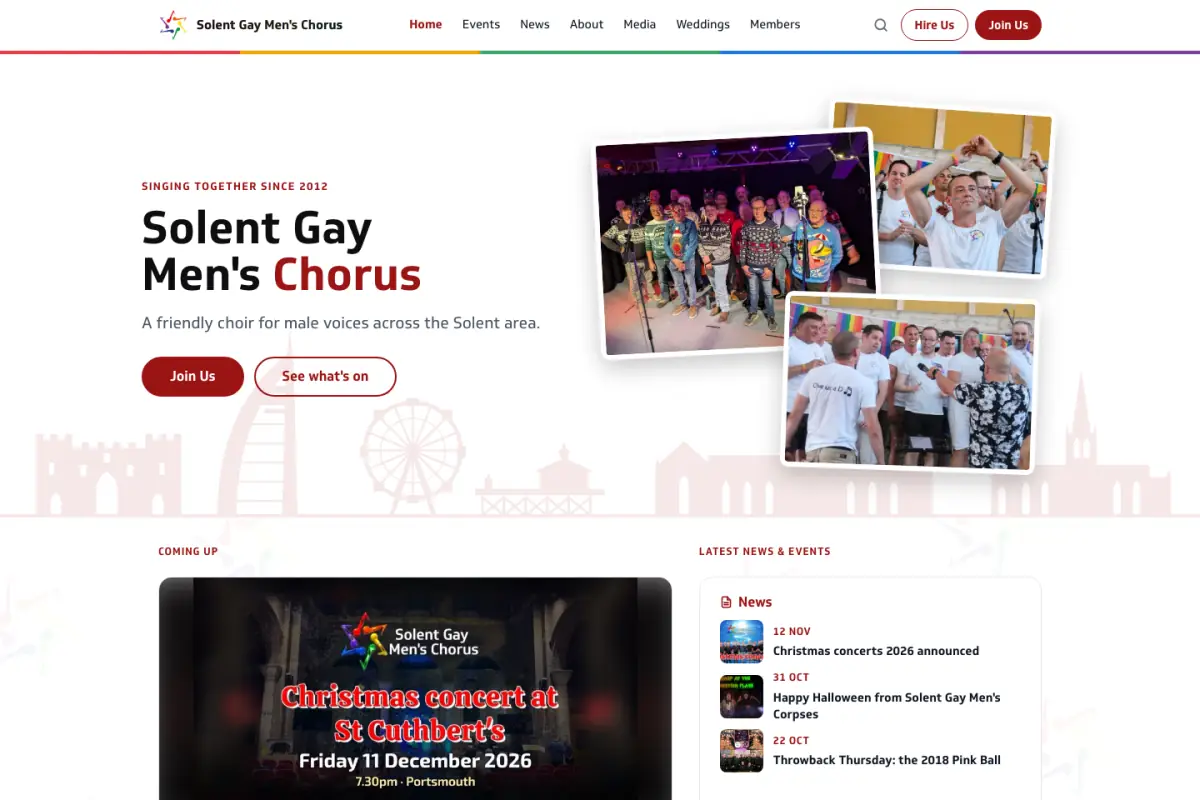
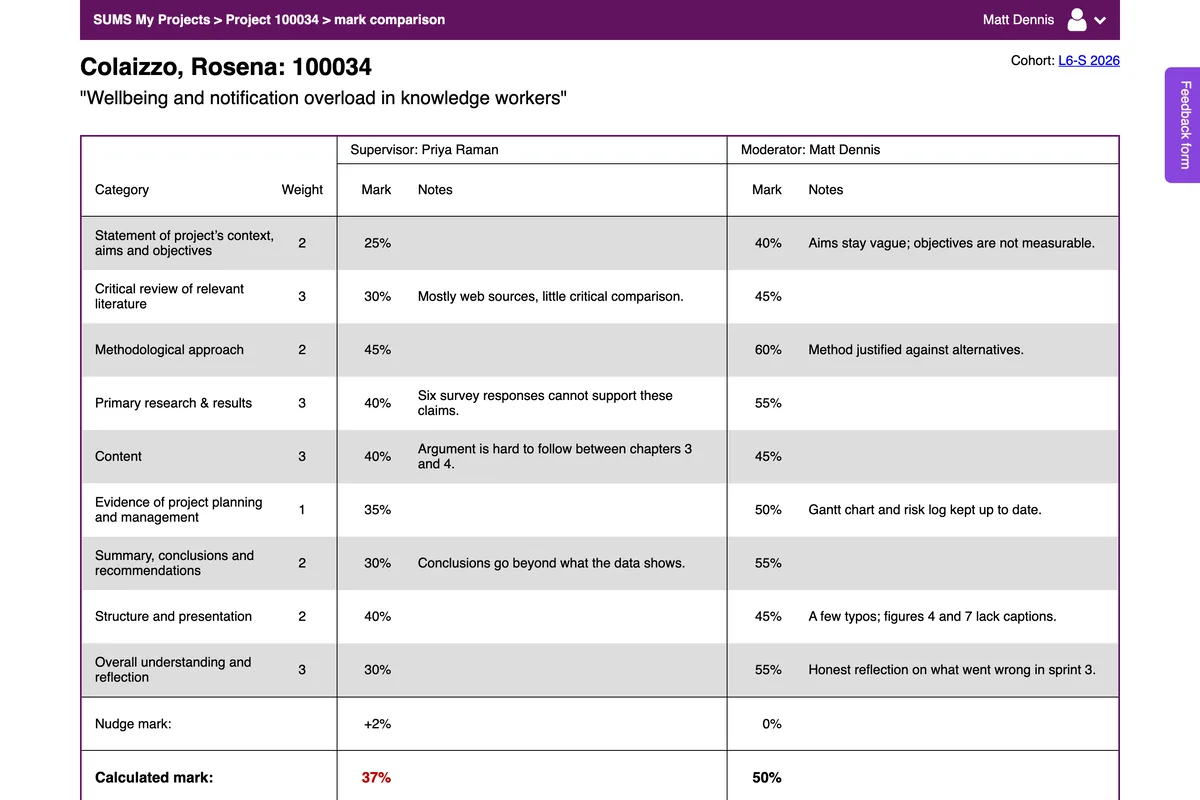
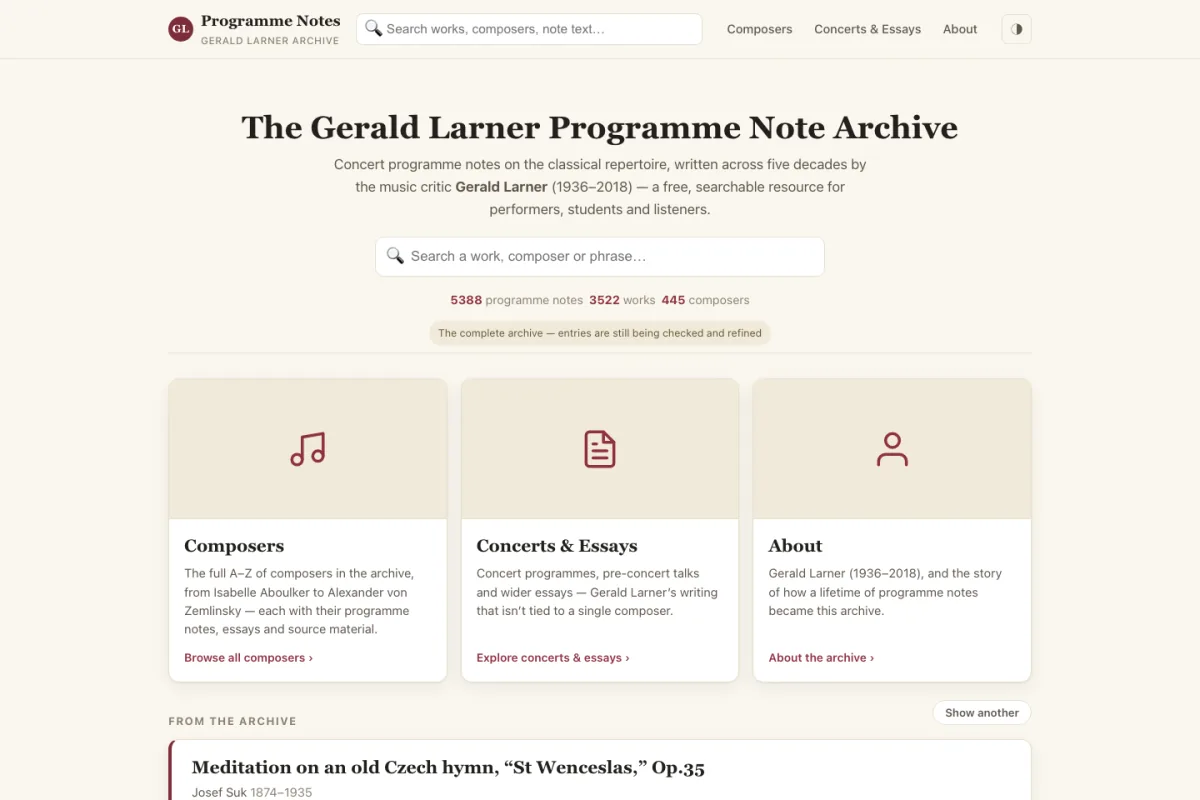
Alice Dennis: a site she looks after
Clear lesson pages, a way to enquire and an editing area for changing words and photos. A website built around the needs of a music teacher.
Make the next step clear
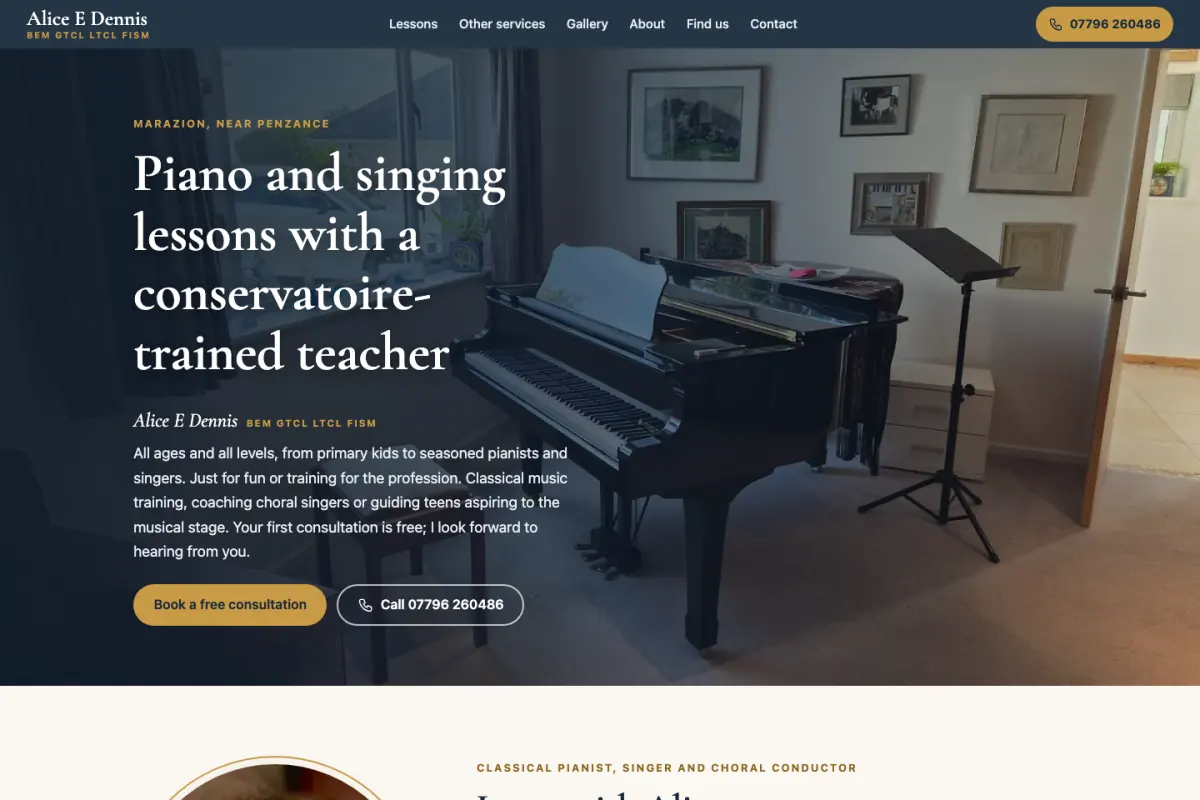
For someone looking for piano or singing lessons, a website should answer a few straightforward questions: what is offered, who the teacher is, where lessons happen and how to get in touch.
I built Alice Dennis a site around those questions, with separate lesson pages, a gallery, directions and an enquiry form.
Routine changes without calling a developer
An editing area lets Alice change the words, photos and reviews using an approved Google account. Lesson lengths and prices are entered once and reused wherever they appear.
Photos are made smaller before they upload. If a page is changed in two editing windows, the site asks for a reload instead of silently overwriting the earlier change.
Look after the route to an enquiry
Known page addresses from the previous site redirect to their replacements, so old links still have somewhere useful to go.
The contact form checks for junk without treating every doubtful message as disposable. By default, a high spam score adds a warning to the email; clear bot signals and submission limits can still block a message.
The right size for a small business
The result is a site with its own straightforward editing system and shared information that only needs changing in one place.
If you work for yourself, your website should fit the way you run your business. You should be able to keep the important details up to date without learning a complicated system.
What I did here
-
Websites you can update yourself
Change the words and photos yourself.
-
Hosting and care
I keep it online, secure and up to date.
-
Moving off WordPress
Your content moved to something simpler to run.
For IT people: how it is built
A small, bespoke website and editing system for a music teacher.
- Express 5 serves complete HTML pages without a client framework or a build step.
- Content is stored in a validated JSON file, with uploaded images kept separately.
- Google sign-in is restricted to approved administrator accounts; writes require authentication and check the content revision.
- Browser-side WebP resizing reduces uploaded image sizes.
- Known page IDs from the previous site redirect to the corresponding new routes.
- The contact form combines a honeypot, signed timing cookie, rate limits and configurable spam scoring.
- Page templates include labelled form fields and a skip link; styling respects reduced-motion preferences.
-
Passkeys and single sign-on
Passkey login and single sign-on: one identity service for every app, with WebAuthn, OIDC and roles that match how the organisation works.